01
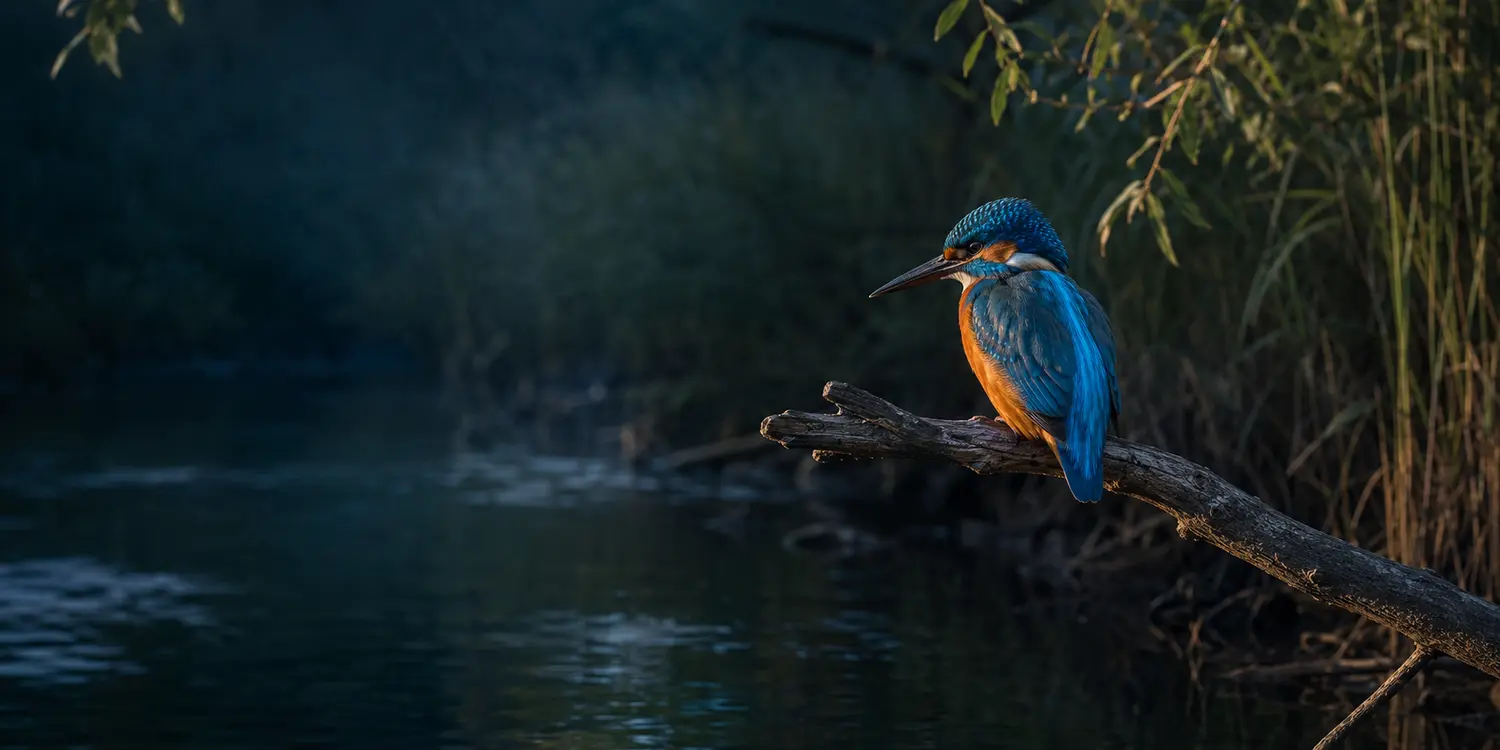
Kingfisher
Alcedo atthisHabitatRiverbanks, canals and wetlands
Date14 September 2025
PlaceLake Fogliano, Lazio
 Avvistami.it
Desktop software for PC · Local-first
Avvistami is a Windows desktop application that catalogs wildlife photos by species, date and place. Its first version runs entirely on your PC: no account, no cloud, and your data and photos stay on your computer.
Encounters and habitats
From wetlands to Apennine ridges, every photograph preserves the bond between a species, its habitat and the moment of the encounter.
HabitatRiverbanks, canals and wetlands
Date14 September 2025
PlaceLake Fogliano, Lazio
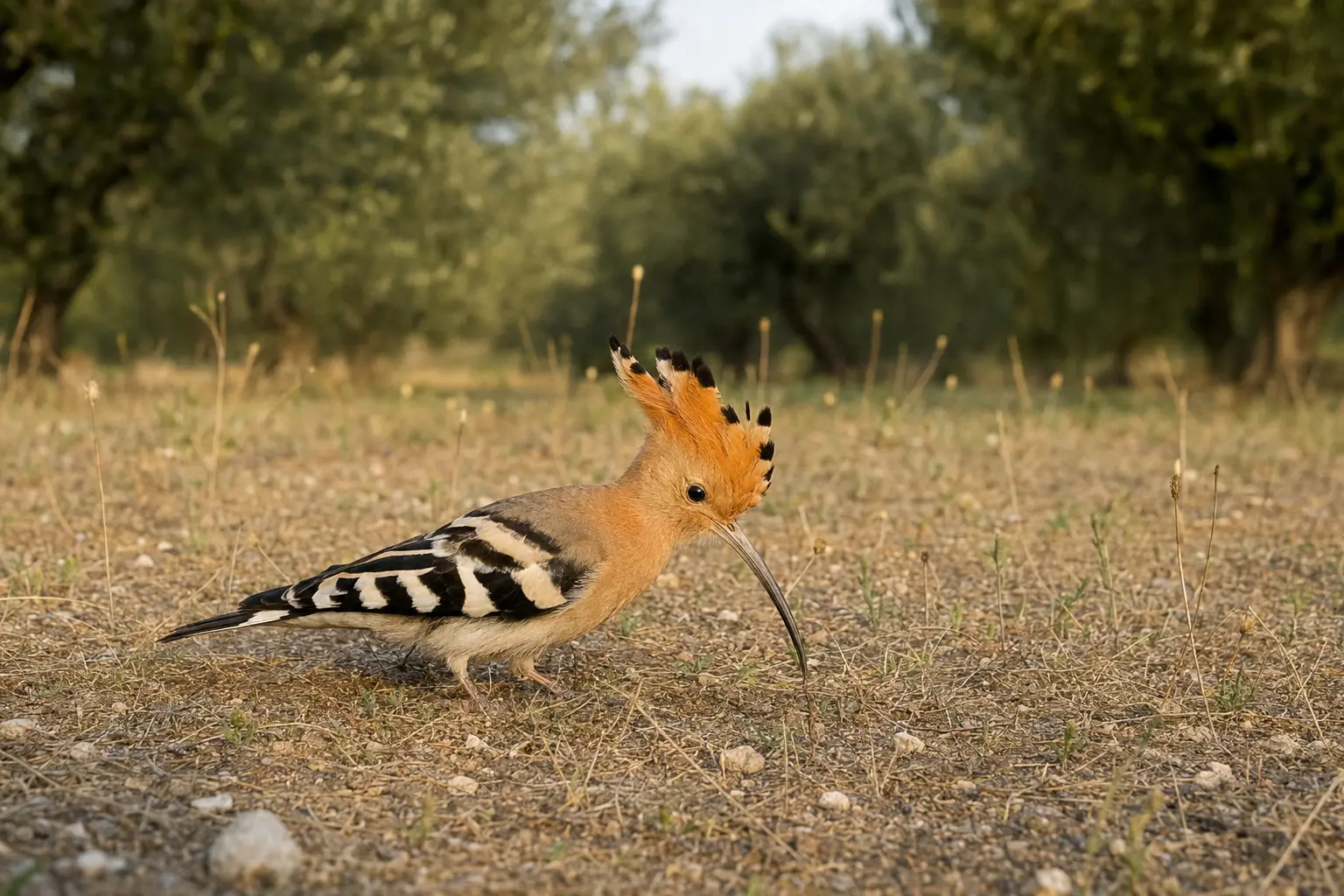
HabitatDry meadows and Mediterranean olive groves
Date21 May 2025
PlaceMaremma Regional Park, Tuscany
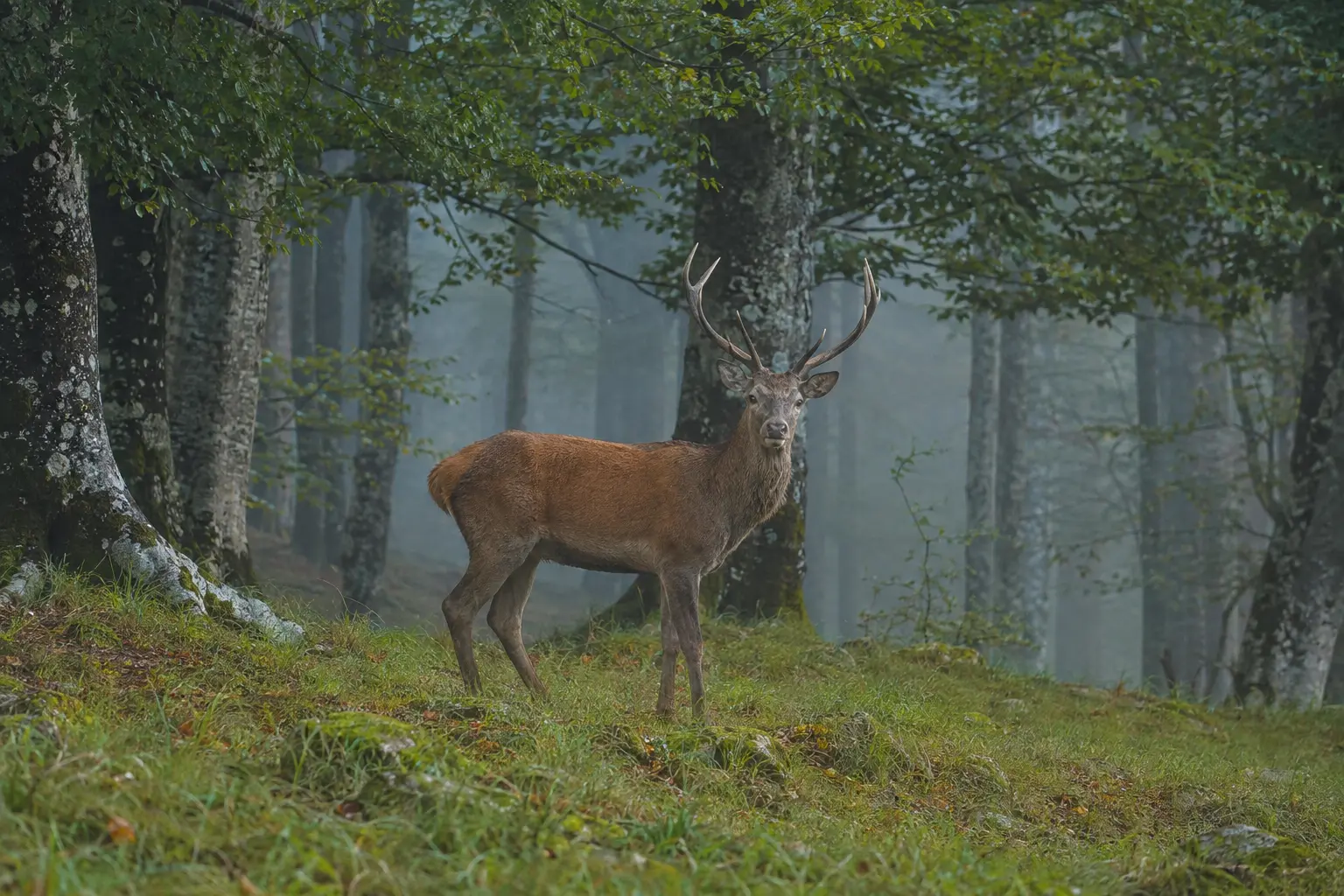
HabitatApennine beech woods and clearings
Date6 October 2024
PlaceAbruzzo, Lazio and Molise National Park
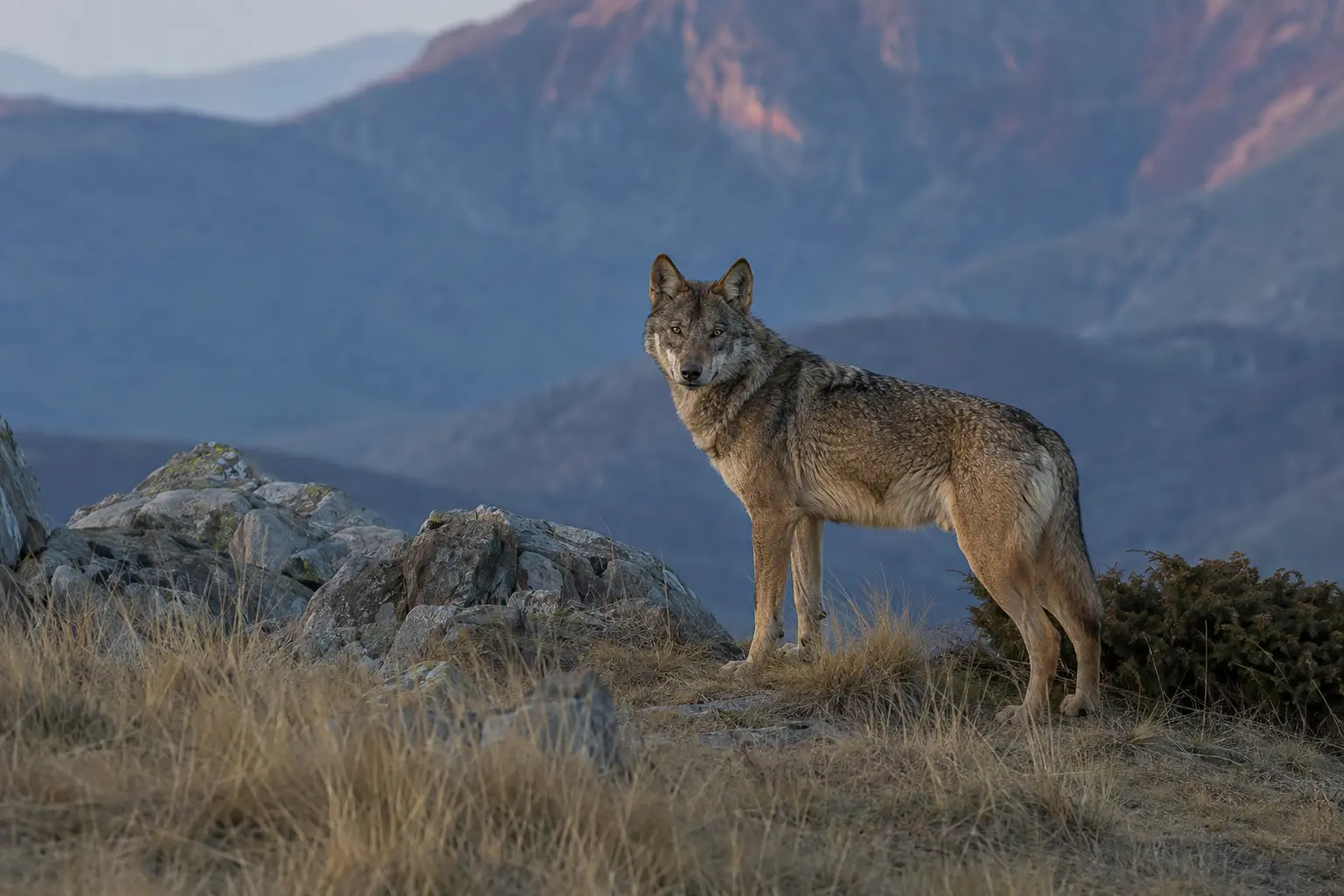
HabitatMountain forests and ridges
Date18 February 2025
PlaceMonti della Laga, Lazio
How it works
Avvistami connects every photograph to a real encounter and turns your past observations into useful context for future outings.
Avvistami grew out of a personal need of mine: to remember when a time of year is approaching in which I have already photographed a particular animal, so I know it may be a good opportunity to look for it again, without having to search through my saved photo folders every time.
Add your wildlife photographs to the application on your PC.
Save the species, date and location where you took the photos.
Check reminders when an interesting seasonal window is approaching.
Ideal for photos stored on external drives, too: if you keep your photographs on a USB hard drive, external SSD or flash drive, Avvistami keeps species, date, location and history organised even when the originals are spread across different folders and storage devices.
Species and location are entered entirely by hand by the user. Avvistami does not use any kind of artificial intelligence (AI).
For the time being, the built-in animal species and place lists refer exclusively to Italy. Species and locations in other countries can still be entered manually.
Features
Organize wildlife photographs without getting lost among folders and filenames.
Connect photos to species and keep a clear history of encounters.
Recognize the times of year when a species appeared before your lens.
Connect each encounter to a place and plan your next nature outing.
Avvistami highlights periods when it may be worth searching again.
Alerts are shown inside Avvistami and are visible only while the application is open. No system or push notifications are sent when the program is closed.
Browse your archive quickly by species, date and place.
The desktop app
Import, describe and rediscover. The experience is designed to remain clear even with archives built over many years.
Avvistami 2.9.0 is a BETA release: you may encounter malfunctions, freezes or application crashes. Always keep an independent backup of your data and original photographs.
Original screenshots from the BETA versionHD 720p · 7 min 30 secLearn Avvistami
Watch the full presentation or consult the illustrated PDF guide: installation, Windows security, archive, reminders and backup explained step by step.
The value of history
“Last year, at this time, you photographed this species here.” A simple fact can inspire a new photographic opportunity.
A good time to plan another outing may be approaching.
One free version
Avvistami is free with no limit on the number of species. Version 2.9.0 BETA lets you use every feature and help improve the application.
Desktop application for WindowsAvvistami 2.9.0 BETA — availableAvvistami 2.9.0 is a BETA release: you may encounter malfunctions, freezes or application crashes. Always keep an independent backup of your data and original photographs.
SHA-256: 9b1c3713a25e14fab3b3461adb73935008b26e782825640f2af7fb5ae0acc4ad
Technical details
Requirements, photo formats, EXIF, limits, installation and security are collected in a dedicated, easy-to-scan guide.
Windows 10/11, storage, performance and import limits.
Supported formats, RAW/DNG, metadata and date fallback.
SmartScreen, antivirus, SHA-256 and original-photo protection.
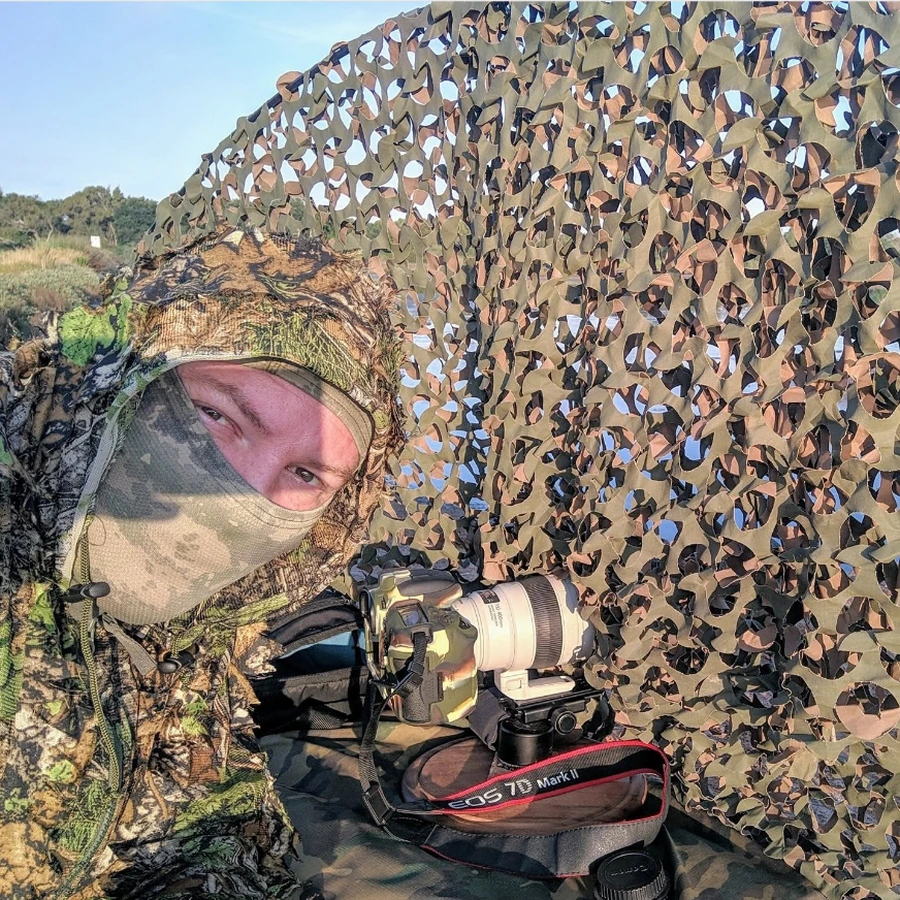
The author
Frequently asked questions
It is a desktop application for PC. This website presents the project; the archive does not run in your browser.
The first version runs locally on your computer, with no account and no cloud transfer of photos or data.
Yes. Avvistami 2.9.0 BETA may present malfunctions, freezes or application crashes.
They stay on your PC. You keep control of your content and backups.
The application uses your own history to suggest periods and locations that may be worth revisiting.
No. Alerts and reminders are displayed inside Avvistami while the application is open. When the application is closed, no external or push notifications are shown.
No. Nature offers no guarantees: history supports planning, it is not a prediction.
Avvistami is free and lets you archive every species without limits.
Version 2.9.0 BETA is designed for PCs running Windows 10 or Windows 11.