 Avvistami.it
Learn Avvistami
Visual guide and video, always within reach.
Watch the full presentation or consult the illustrated PDF guide: installation, Windows security, archive, reminders and backup explained step by step.
← Back to homepage01
Video
Video presentation
A guided tour of the application, from its core features to archive management.
HD 720p · 7 min 30 sec · English voice-over and subtitles start automatically with playback.Read the English transcript
- Welcome to Avvistami, the local wildlife photo archive. This tutorial presents the complete workflow, from installation to the analysis of your personal photographic history. Your data stays on your computer, with no account or cloud service required.
- Start with installation and initial setup. Choose English as the interface language, select the animal that will represent your archive, decide which shortcuts to create, and confirm the destination folder. The guided tutorial can be reopened later from the Help menu.
- Because the current beta is not digitally signed, Windows may display a protection notice. Download Avvistami only from the official website, compare the published version and SHA-256 checksum, then choose More information and Run anyway only when every detail matches.
- The personal calendar is your starting point. It summarises archive activity, seasonal suggestions and internal notifications. These indications come only from your recorded sightings and help you recognise periods, places and times that may be worth revisiting.
- To add a sighting, first select one or more photographs and choose the representative image. Avvistami reads the available metadata to assist you, but it never alters the original files. You remain in control of every item before saving.
- Complete the sighting details by recording the species, scientific name, location, date and time. Weather, behaviour, equipment and personal notes are optional. The six organised tabs keep the information clear while allowing a detailed natural-history record.
- Folder import is designed for photographs that have already been selected and processed, including images stored on an external drive or USB device. Avvistami proposes sessions and groups based on metadata, and you review species, places and divisions before confirming the import.
- The archive combines text, date, species, location and seasonal filters. Select a record to view its details, open the editing screen with a double click, export the information to CSV, or use the route command when geographic data is available.
- Calendar analysis uses only your own history. It studies recurring species, dates, locations and time ranges without claiming universal wildlife predictions. Even one observation can produce a cautious suggestion, clearly marked as having limited evidence.
- The AVVISTAMI area shows possible returns and annual reminders. Recalculate suggestions from the archive, create a manual recurrence, and record whether the species was observed during a later visit. Every result remains linked to its explanation and evidence level.
- When a possible return enters its useful period, Avvistami displays an internal notification while the program is open. The notice identifies the species, place, period and reason for the suggestion, so you can evaluate it before planning a new outing.
- Archive statistics distinguish sightings, photographs, species and locations. These totals help you understand how the collection is growing and which subjects or areas appear most often, while keeping the underlying records available for verification.
- Moon phases are calculated automatically from the date and time of each sighting. They provide additional context for your observations and appear alongside the other statistics without requiring an online service or manual lookup.
- Protect the archive with regular backups. A complete backup can include the database, managed photographs, thumbnails and previews. Integrity checks run before restoration, while protected exports hide sensitive coordinates and local file paths. Keep at least one copy on a separate drive.
- Finally, use Help and information to reopen the tutorial, consult the guide and reach support. Avvistami remains completely free, with no Free or Pro tiers, subscriptions or species limits. Personalisation changes the experience without locking any function.
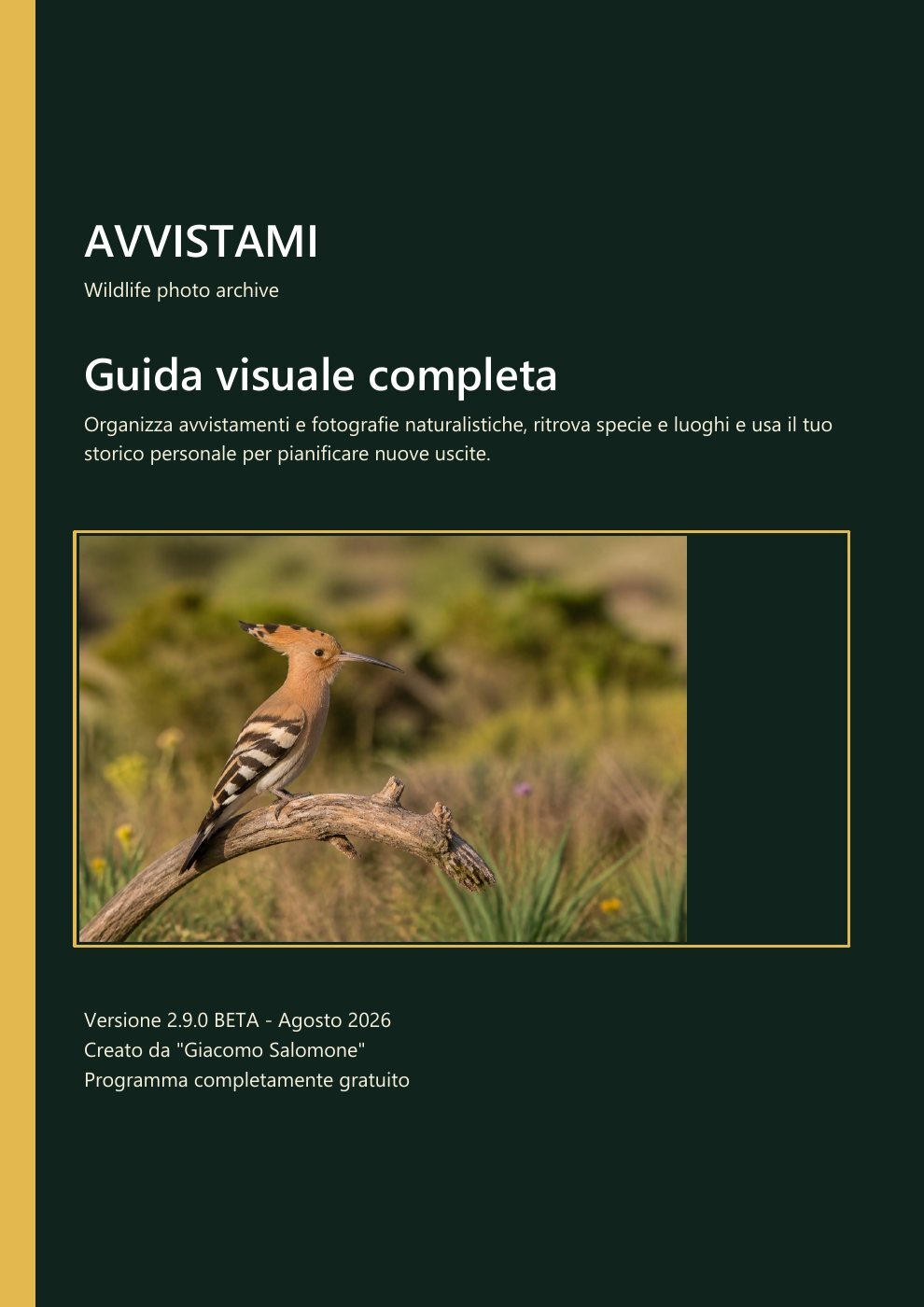
02 / PDF
Complete visual guide
12 illustrated pages covering safe startup, installation, archive, calendar, AVVISTAMI, statistics and backup.
PDF · 12 pages · 2.9.0 BETAThe PDF is available in Italian.